Paint your
own passport
A skin is the picture behind your passport. Paint it in Photoshop, GIMP, Affinity or anything that exports a PNG, and the overlay prints the name, photo and details on top. Make it 100% yours!
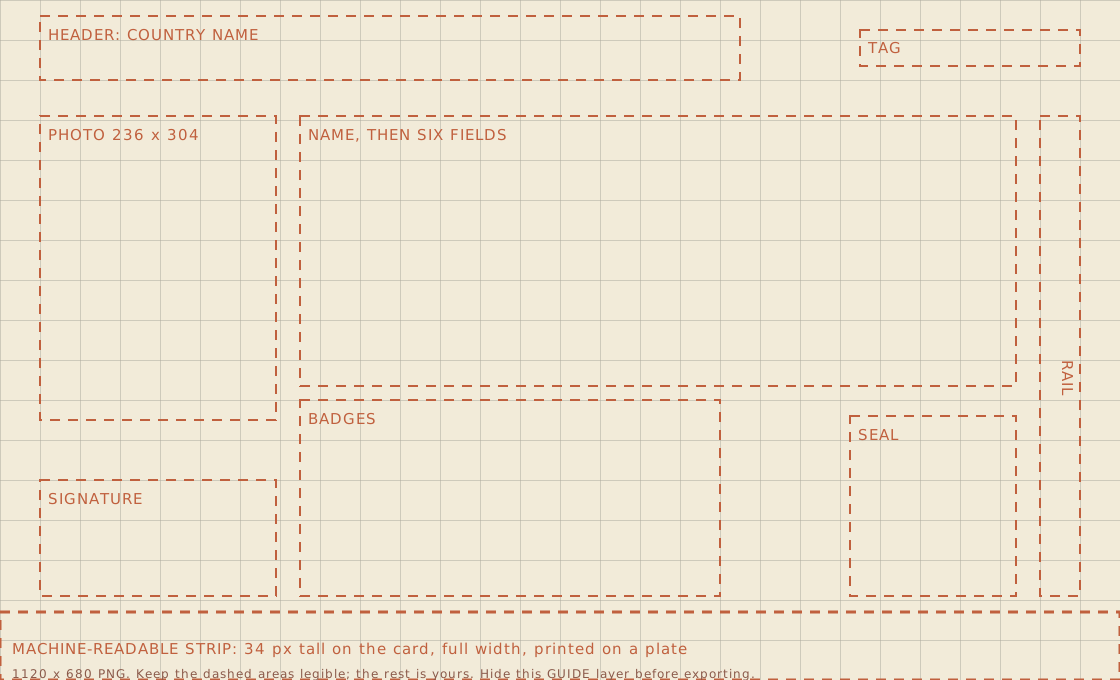
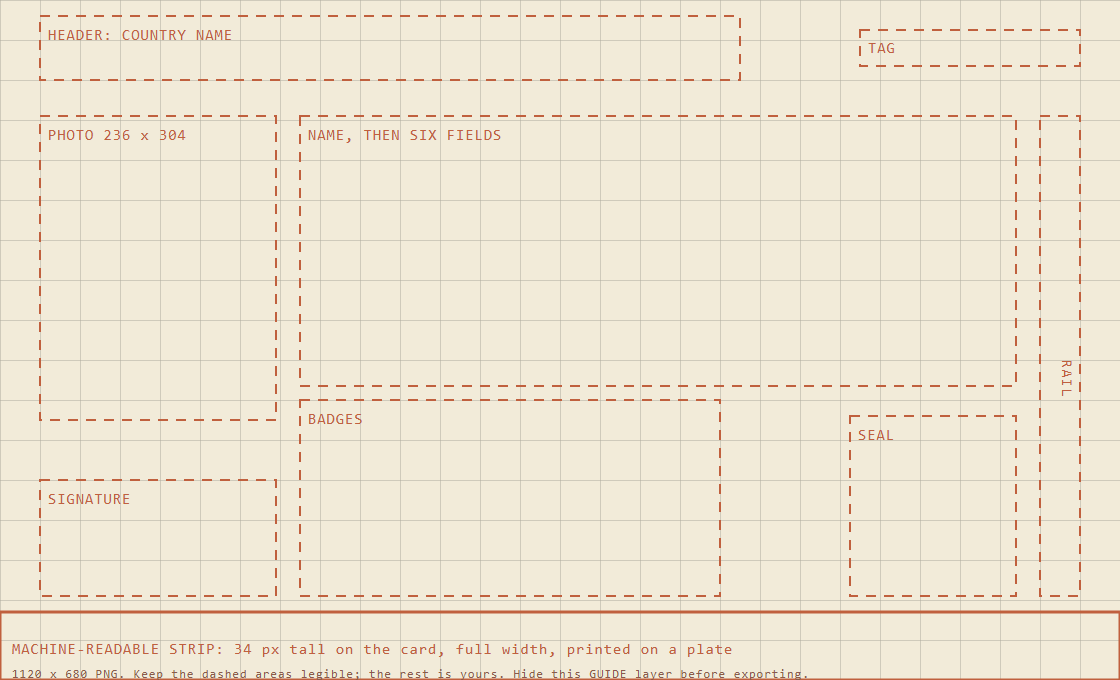
1120 × 680 pixels. That's twice the size it shows on stream, so it stays crisp.
How to make one
- Open the template. The SVG works in GIMP, Photoshop, Affinity and Illustrator with the guide on its own layer. The PNG is the same thing flattened.
- Paint your paper on a layer under the guide. Color, texture, a logo, a border, whatever you like! Keep text out of the dashed boxes, since the overlay writes there.
- Hide or delete the guide layer and export a PNG at exactly 1120 × 680. Any other size gets rejected.
- On the design's Passport section in the Artist Studio, upload the paper and save the design. Your colors and font still apply.
- In the Studio's Duty Free section, stock your approved look or frame with a price in miles, or make it free from a certain rung.
What the artwork switches off
While a picture is on, the ornament strip, the motion layer and the header's ground are switched off so they don't cover it. Everything else is still yours to pick: colors, font, script, seal and footer. Skins don't animate.
The zones
Where the overlay prints, in template pixels.
| Area | Box (x, y, w, h) | What lands there |
|---|---|---|
| Header | 40, 16, 700, 64 | The country's name in your font and color, plus a script title if you picked one. |
| Tag | 860, 30, 220, 36 | A small monospace tag at the right of the header. |
| Photograph | 40, 116, 236, 304 | The holder's Twitch picture with a thin accent frame. |
| Signature | 40, 480, 236, 116 | The holder's chosen signature and a caption. |
| Name and fields | 300, 116, 716, 270 | The name, then six fields in three columns. |
| Badges | 300, 400, 420, 196 | Up to four small badges: mod, VIP, sub tier. |
| Seal | 850, 416, 166, 180 | Your channel's seal, with its legend and the date. |
| Rail | 1040, 116, 40, 480 | A dashed rule in the accent, or a vertical word for CJK scripts. |
| Machine-readable strip | 0, 612, 1120, 68 | Two lines of monospace on a plate. Always printed, and it covers your picture there. |
The back
Your passport has two sides. The front has the photo, the details and the signature. The back is the visa page, where the stamps go.
So the back gets its own picture, painted on the same template at 1120 × 680. Upload it in the Artist Studio and pick it on the row under Artwork in the Port of Entry.
Leave it empty and the back is just your paper color.
The photo frame
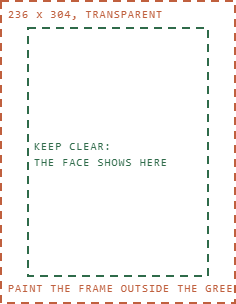
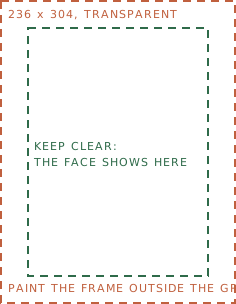
A second, smaller template for the photo frame, 236 × 304 (118 × 152 works too). Paint a frame on a transparent canvas, leave the middle clear so the face shows, hide the guide and export a PNG with transparency at exactly 236 × 304. Upload it in the Artist Studio, then choose it under Duty Free when you add a frame item.
Rules
- PNG or GIF, 1120 × 680 (or 560 × 340), under 2MB. Twelve pictures per channel.
- Keep the dashed areas readable in your text color. The labels there are only 8 to 10 pixels tall.
- A picture can't be deleted while a skin on your shelf, or one somebody bought, uses it. Take the skin off the shelf to stop new sales.
- Your picture is hosted on this site only. Skins can't link to outside images.